OP

RVA
Ambassador
Kemper > Channel 9/10 on SC > USB out from SC > computer >ReaperThere you go sir. What is the signal path from the Kemper to the Soundcraft….including the Soundcraft input channels used?

Kemper > Channel 9/10 on SC > USB out from SC > computer >ReaperThere you go sir. What is the signal path from the Kemper to the Soundcraft….including the Soundcraft input channels used?


Have you engaged the PFL switch on channel 9/10 to verify the level while playing the Kemper?The Kemper goes straight to Channel 9/10 on the Soundcraft and then out via USB. Maybe the Kemper signal is overloading the computer interface / sound card
Same set up I use. IIRCKemper > Channel 9/10 on SC > USB out from SC > computer >Reaper
Yep, early to mid yellow only. You taught me well!Have you engaged the PFL switch on channel 9/10 to verify the level while playing the Kemper?
Are you hitting the Kemper with a signal from a compressor pedal?EDIT - This appears to be a compression issue
No, that was the primary suspect from last night. It was the first thing I shut before beginning the testing today. Shutting t did reduce the clipping. The, shutting the Kemper noise gate (no reason it should have even been on) helped a little more. But there was still a flat wave form when I strummed hard, even with the channel gain on zero and all pedals and Kemper effects off.Are you hitting the Kemper with a signal from a compressor pedal?
There are options, but I have not done any digging….I’ve been extremely pleased with it set simply stereo.I need to research compression from the Kemper. I am going to look at my Kemper out hookups and see if changing the output connection (I think there are options) will help
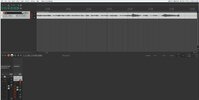
Oh! I had assumed that you were running TS from the Kemper R&L to 9&10. That is what I run. Simple and effective. Looks like your Wav-forms have improved dramatically though….maybe knock the input gain/trim on the Soundcraft back a smidge…. But it looks much better now.OK, so I WAS using XLR left out from the Kemper to XLR input on SC channel 9/10.
I use the TS outputs to go to the patch panel and then out to the monitors for stereo play.Oh! I had assumed that you were running TS from the Kemper R&L to 9&10. That is what I run. Simple and effective. Looks like your Wav-forms have improved dramatically though….maybe knock the input gain/trim on the Soundcraft back a smidge…. But it looks much better now.
Hahahahaha! They don’t call it “hard knee” compression for nothing!Also, @Thatbastarddon thank you for the assistance. Without the knowledge that compression can cause clipping even when the signal is within limits, I would still be at "go" on this issue!
 No really…

Oh, and you also identified the compression in the first place! Now I know what I am seeing a little betterHahahahaha! They don’t call it “hard knee” compression for nothing!
Yes!!! Much yes! A learning experience! I learned about this type of thing from some crappy mic’s that couldn’t handle the SPLs I needed, and some crappy rack mounted, cheap, compressors….the two experiences were separate…but ended with the same style of Wav forms. I remember it so well.Oh, and you also identified the compression in the first place! Now I know what I am seeing a little better
 www.kemper-amps.com
www.kemper-amps.com
www.kemper-amps.com
www.kemper-amps.com
www.kemper-amps.com
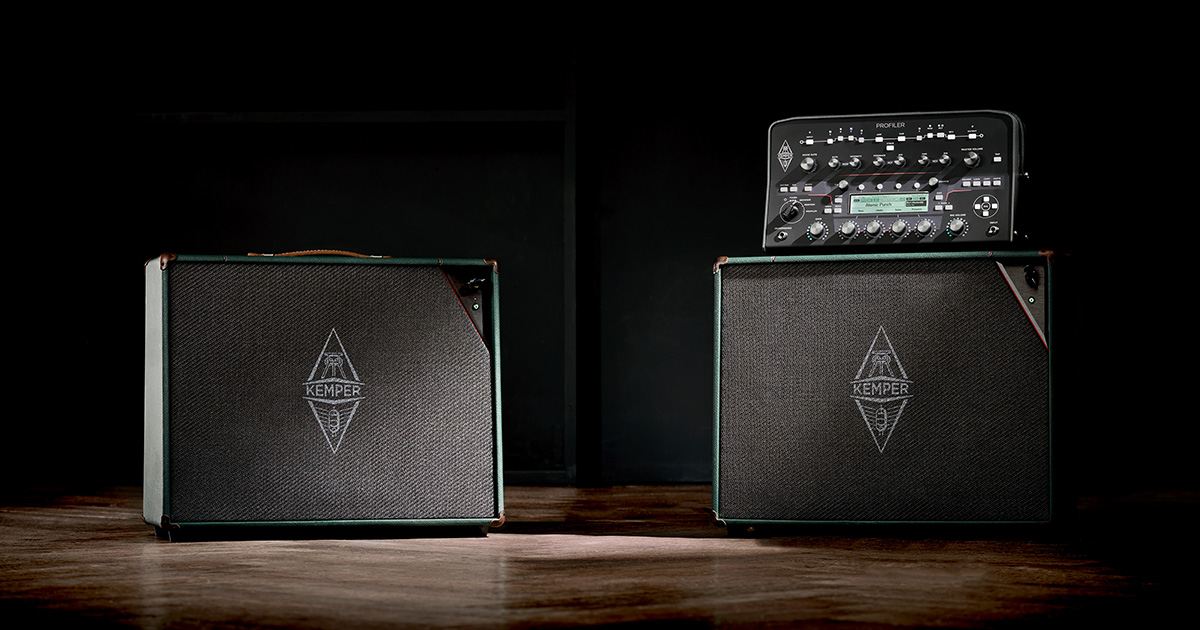
 www.kemper-amps.com
 www.kemper-amps.com
Yep….some of the answer seems to be right there. The Kemper XLR is putting out a line level signal. The Soundcraft XLR inputs expect to see a microphone level…while the 1/4 inch inputs on the Soundcraft expect to see line level. There’s a bit of a difference there.Output volume too loud? - Kemper Profiler Forum
Hi Guys, during soundchecks I always have the sound engineer saying that my kemper output is too loud. Even at -20db! I usually have my Kemper going to FOH through main output. Am I doing something wrong?KEMPER PROFILER Specifications
Technical details of the KEMPER PROFILER and KEMPER Kabinet products
 e
e 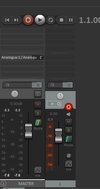
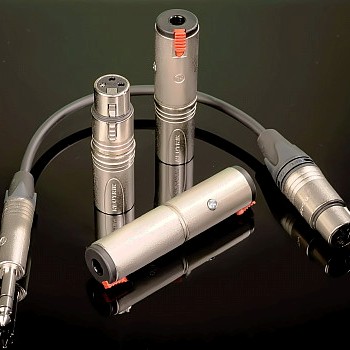
I have a few of these, from the old days- before I had anything with an onboard pad, for knocking down line level sources….So, I using the left XLR output, I adjusted the Main Output (set to mono since I am only using one XLR, and this is guitar) and set the volume to about -20dB with the channel gain at about 12dB, just off the minimum (FYI - I have been referring to "zero" channel gain, but that was inaccurate - the Soundcraft goes from 10dB to 60dB). Compressor and noise gate were off. This was a very workable spot. The arrow shown below is how you access these settings in Rig Manager.
View attachment 70133e
Here are the Soundcraft settings for this test
View attachment 70134
Once again, thanks for helping me figure this out!
 naiant.com